
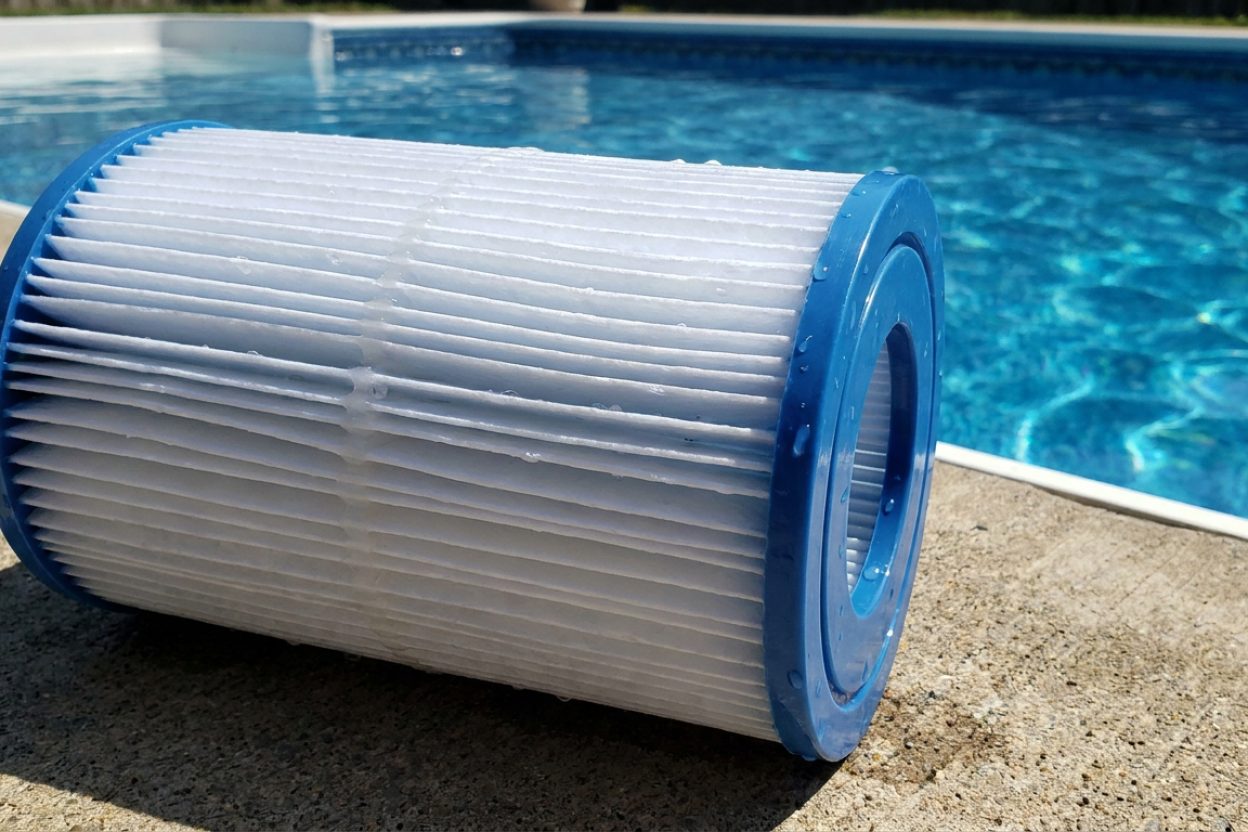
Can I Vacuum Pool to Filter? Complete Step-by-Step Guide

Can I vacuum my pool through the filter system?
Read full question
Three different pool cleaning methods later — skimming, brushing, and running my pump for hours — and my water is still cloudy, so I'm wondering if vacuuming to filter works. Is it okay to vacuum debris directly through my pool's filtration system? Want to make sure I'm cleaning it the right way without damaging anything.
Quick Answer
Yes, you can vacuum your pool to the filter, which is the most common and efficient cleaning method. This sends debris through your filtration system for removal while returning clean water to the pool. Ensure pH is between 7.2-7.6 (ideally 7.4-7.6 for optimal performance) and free chlorine is at appropriate levels based on your CYA (stabilizer) level using the all-in-one pool calculator.
One caveat for cloudy water: if you've already skimmed, brushed, and run the pump and it's still cloudy, the cause is usually chemistry (test pH and FCFree Chlorine — The chlorine actively sanitizing your water right now. This is the number you keep an eye on. how much you need → against your CYACyanuric Acid (stabilizer) — Sunscreen for your chlorine — it keeps sunlight from burning it off. The catch: the more you have, the more chlorine you need to keep. learn more →) or a filter that needs cleaning — not loose debris — so vacuuming to filter may not clear it on its own. And if the water is green from algae, vacuum to waste, not to filter.
Step-by-Step Guide to Vacuum Pool to Filter
Pre-Vacuuming Preparation
- Test and balance your water chemistry before starting. Ensure pH is between 7.2-7.6 (ideally 7.4-7.6 for optimal performance) and free chlorine is at appropriate levels based on your CYA (stabilizer) level using the all-in-one pool calculator.
- Remove large debris manually using a leaf net or skimmer. Large leaves, toys, or sticks can clog your system and should be removed by hand first.
- Check your filter condition. If your filter is already dirty from previous use, clean or backwash it before vacuuming to ensure maximum efficiency.
- Ensure adequate water level. Your pool water should be at the middle of the skimmer opening (not too high or low) to prevent air from entering the system during vacuuming.
Setting Up Your Vacuum System
- Connect the vacuum head to the telescoping pole and ensure it's securely attached. The vacuum head should have brushes appropriate for your pool surface – softer brushes for vinyl, firmer for concrete.
- Attach one end of the vacuum hose to the vacuum head. Make sure the connection is tight to prevent air leaks that reduce suction power.
- Prime the vacuum hose completely by holding the free end over a return jet until water fills the entire hose and bubbles stop coming out. This step is crucial for maintaining proper suction.
- Quickly move the primed hose end to your skimmer while keeping it underwater to prevent air from re-entering the system.
Connecting to Your Filter System
- Set your multiport valve to FILTER position (this is critical - verify before proceeding). If you have a push-pull valve, ensure it's in the filter position.
- Turn off your pool pump before opening the skimmer.
- Remove the skimmer basket temporarily and set it aside. Removing the basket provides maximum suction for vacuuming.
- Insert the hose end into the skimmer suction port located at the bottom of the skimmer. You should immediately feel strong suction if everything is connected properly.
- Turn your pool pump back on and set to its highest setting if you have a variable speed pump. Maximum flow rate provides the best cleaning power for lifting settled debris. If you're fighting fine-particle cloudiness instead, slow the pump down and add a clarifier — very high flow can push fine particles straight back through the filter.
- Verify strong suction at the vacuum head by placing your hand over it underwater. You should feel significant pull indicating proper system operation.
Effective Vacuuming Technique
- Start at the shallow end and work systematically toward the deep end. This prevents debris from settling in areas you've already cleaned.
- Move slowly and deliberately – approximately one foot per 10-15 seconds. Moving too quickly will stir up debris faster than your filter can capture it.
- Overlap your vacuum paths slightly to ensure complete coverage and prevent missing spots between passes.
- Pay extra attention to problem areas like steps, corners, and around pool fittings where debris typically accumulates.
- If you encounter heavy debris buildup, make multiple slow passes rather than trying to pick everything up at once.
When to Use Filter vs. Waste Setting
Vacuuming to filter works best for routine maintenance with light to moderate debris. However, for heavy debris or algae, vacuuming to waste is better — though that needs a sand or DE filter with a multiport "waste" valve (cartridge filters have no waste setting; with a cartridge, vacuum through the filter and clean it afterward, or use a separate pump to send water out of the pool). Consider vacuuming to waste when:
- Dealing with algae blooms – Dead algae can quickly clog your filter and should be sent directly to waste
- After severe storms with heavy leaf and debris accumulation that might overwhelm your filter
- Following chemical treatments like flocculation where you're removing settled particles that could damage filter media
- Your filter is already near capacity and needs cleaning but you want to vacuum first
Protecting Your Filter System
Monitor filter pressure closely during and after vacuuming. Most filters have pressure gauges that will show increased pressure as debris accumulates. When pressure rises 8-10 PSI above your clean starting pressure, it's time to clean or backwash your filter.
For cartridge filters, inspect them every few days after vacuuming sessions. Heavy debris can reduce filter life significantly, so consider having spare cartridges available during heavy cleaning periods.
With sand or DE filters, you may need to backwash more frequently when doing heavy vacuuming. This is normal and necessary to maintain proper water flow and filtration efficiency.
Troubleshooting Common Issues
If you're losing suction during vacuuming:
- Check for air leaks in hose connections
- Ensure the hose remains fully submerged
- Verify the skimmer basket isn't clogged
- Confirm your pump basket is clean and properly seated
If debris isn't being picked up effectively:
- Slow down your vacuuming speed
- Check that your pump is running at full speed
- Verify the vacuum head is appropriate for your pool surface
- Ensure your filter isn't clogged and restricting flow
Post-Vacuuming Maintenance
After completing your vacuuming session, test your water chemistry again within 24 hours. The increased circulation and any debris breakdown can affect pH and chlorine demand. Adjust chemicals as needed based on test results.
Clean your filter within 48 hours of heavy vacuuming to prevent debris from becoming permanently embedded in the filter media. This maintains filtration efficiency and extends filter life.
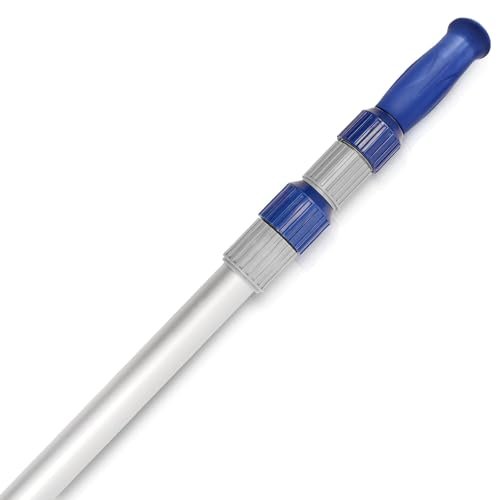 Poolvio 15 ft Telescopic Pool Pole (3-Piece Aluminum)
Telescoping pole that fits brushes, skimmer nets, and vacuum heads. View on Amazon →
Poolvio 15 ft Telescopic Pool Pole (3-Piece Aluminum)
Telescoping pole that fits brushes, skimmer nets, and vacuum heads. View on Amazon →
 Taylor K-2006C Complete FAS-DPD Pool & Spa Test Kit
The FAS-DPD kit pool pros trust — reads chlorine accurately even at shock/SLAM levels, plus pH, alkalinity, calcium hardness and CYA. View on Amazon →
Taylor K-2006C Complete FAS-DPD Pool & Spa Test Kit
The FAS-DPD kit pool pros trust — reads chlorine accurately even at shock/SLAM levels, plus pH, alkalinity, calcium hardness and CYA. View on Amazon →
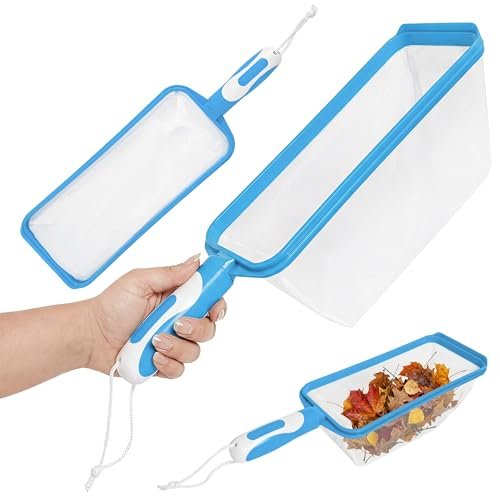 The Skimmie Handheld Pool Skimmer Net
Grab-and-go hand skimmer for leaves and debris off the surface. View on Amazon →
The Skimmie Handheld Pool Skimmer Net
Grab-and-go hand skimmer for leaves and debris off the surface. View on Amazon →
Still need help? Ask a Pool & Spa Expert AD
Get a personalized answer from PoolGuy810 — 30 years owning a pool and spa repair company. Describe your issue and get step-by-step help.
Related Pool Guides
Need More Help?
Try our free pool calculators and tools to help diagnose and fix your pool problems.
Browse Pool ToolsSLAM calculator, pH calculator, salt dosing & more