
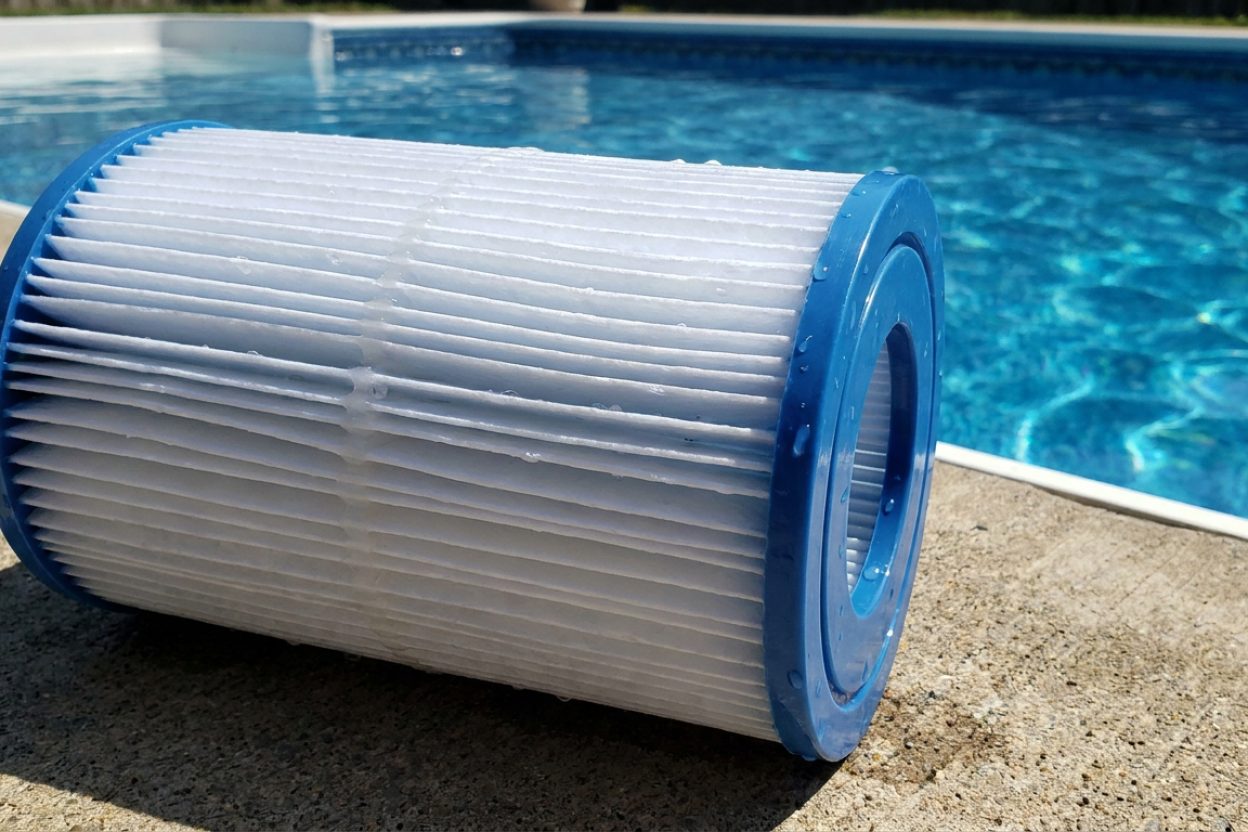
Can You Vacuum Pool on Filter Setting? Complete Guide

When should I use filter vs waste setting for pool vacuuming?
Read full question
About to give up on pool vacuuming after yesterday's disaster — kept getting debris blown right back in no matter what I did. My standard maintenance routine involves weekly vacuuming, but I'm uncertain whether the filter setting is appropriate for all scenarios or if there are specific conditions that warrant switching to the waste position.
Specifically, I want to understand the technical rationale behind each setting choice. When does debris load become sufficient to justify bypassing the filtration system entirely? Are there water quality indicators or visible contamination thresholds that should trigger a waste setting protocol instead of normal filtration?
Quick Answer
Yes, you can vacuum your pool on the filter setting for routine cleaning when the pool is relatively clean. However, for heavy debris or algae, use the waste setting to prevent clogging your filter and recirculating contaminants back into the pool.
Diagnosing When to Use Filter vs Waste Setting
First, let's diagnose your pool's current condition to determine the best vacuuming approach. The decision between filter and waste settings depends on several key factors that will determine your cleaning success.
Pool Condition Assessment
Examine your pool water clarity and debris load. If your water is clear and you can see the bottom clearly with only light debris like leaves or dirt, the filter setting is appropriate. However, if you notice any of these conditions, switch to waste setting instead:
- Cloudy or murky water that prevents you from seeing the bottom clearly
- Green or algae-tinted water indicating algae growth
- Heavy accumulation of debris, sand, or silt
- Recent storms that deposited large amounts of organic matter
- Pool hasn't been cleaned in several weeks or months
When Filter Setting Works Best
The filter setting is ideal for regular weekly maintenance vacuuming when your pool chemistry is balanced and water is clear. During filter mode, water passes through your sand, cartridge, or DE filter, capturing debris while returning clean water to the pool.
Advantages of Filter Setting
- Conserves pool water - no water waste
- Maintains proper water level
- Perfect for routine maintenance cleaning
- Captures fine particles effectively through filter media
- No need to refill pool or rebalance chemicals significantly
Filter Setting Limitations
However, vacuuming on filter has important limitations. When dealing with heavy debris loads, you risk clogging your filter rapidly, which reduces suction power and may damage your filter media. Additionally, if you're vacuuming algae or very fine particles, some contaminants may pass through the filter and recirculate back into your pool, prolonging your cleaning process.
Troubleshooting Common Filter Setting Problems
Problem: Suction Loss During Vacuuming
If you notice decreasing suction while vacuuming on filter, your filter is likely becoming clogged. Stop vacuuming immediately and backwash your sand or DE filter, or clean your cartridge filters. For sand filters, backwash when pressure gauge reads 8-10 psi above normal operating pressure.
Problem: Debris Returning to Pool
When debris appears to vacuum up but then settles back into the pool, your filter is overwhelmed or damaged. Switch to waste setting immediately to bypass the filter entirely. This commonly occurs with fine sand, algae, or when filter media needs replacement.
Problem: Cloudy Water After Vacuuming
If water becomes cloudier during vacuuming on filter, you're likely dealing with algae or very fine particles that your filter cannot capture effectively. Stop and switch to waste setting. You may also need to begin a SLAMShock Level And Maintain — raise free chlorine to a target based on your CYA and hold it there until the algae is gone. It's a process, not a one-time dose. the SLAM walkthrough → (Shock Level And Maintain) process if algae is present.
Proper Technique for Filter Setting Vacuuming
- Test and balance your water chemistry before vacuuming - pH should be 7.2-7.6 for optimal filtration
- Backwash or clean your filter if pressure is elevated
- Prime your vacuum system completely to avoid air in lines
- Start with the deepest areas and work toward shallow end
- Move slowly - about 1 foot every 3-5 seconds to allow filter time to capture debris
- Monitor pressure gauge throughout process
- Stop and backwash if pressure rises 8-10 psi above starting point
- Run filter system for at least 24 hours after vacuuming to ensure water clarity
When to Switch to Waste Setting
Recognize these warning signs that indicate you should stop and switch to waste setting:
- Pressure gauge climbing rapidly (more than 8 psi above normal operating pressure)
- Visible debris being stirred up but not captured
- Water becoming cloudier during vacuuming process
- Suction power noticeably decreasing
- Any sign of algae growth in pool
Post-Vacuuming Filter Maintenance
After vacuuming on filter setting, proper filter maintenance is crucial. For sand filters, backwash thoroughly and consider using a sand filter cleaner monthly. Cartridge filters should be rotated and cleaned with a filter cleaning solution. DE filters need backwashing and fresh DE powder added according to manufacturer specifications.
Important: Always test your water chemistry 24 hours after vacuuming, as the cleaning process can affect pH and chlorine levels. Adjust as needed to maintain proper balance.
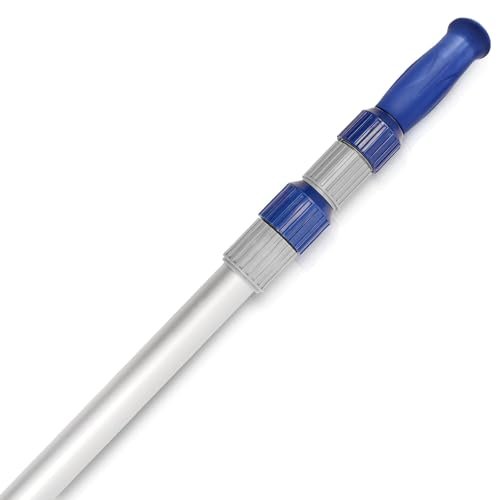 Poolvio 15 ft Telescopic Pool Pole (3-Piece Aluminum)
Telescoping pole that fits brushes, skimmer nets, and vacuum heads. View on Amazon →
Poolvio 15 ft Telescopic Pool Pole (3-Piece Aluminum)
Telescoping pole that fits brushes, skimmer nets, and vacuum heads. View on Amazon →
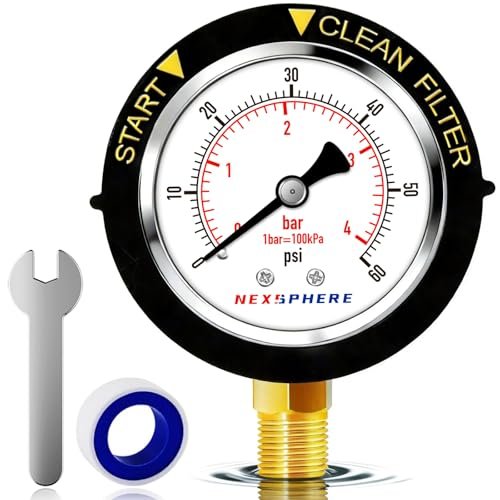 NexSphere Pool Filter Pressure Gauge, 0–60 PSI, 2 in Dial
Replacement back-mount gauge so you can read filter pressure and know when to backwash. View on Amazon →
NexSphere Pool Filter Pressure Gauge, 0–60 PSI, 2 in Dial
Replacement back-mount gauge so you can read filter pressure and know when to backwash. View on Amazon →
 Taylor K-2006C Complete FAS-DPD Pool & Spa Test Kit
The FAS-DPD kit pool pros trust — reads chlorine accurately even at shock/SLAM levels, plus pH, alkalinity, calcium hardness and CYA. View on Amazon →
Taylor K-2006C Complete FAS-DPD Pool & Spa Test Kit
The FAS-DPD kit pool pros trust — reads chlorine accurately even at shock/SLAM levels, plus pH, alkalinity, calcium hardness and CYA. View on Amazon →

Still need help? Ask a Pool & Spa Expert AD
Get a personalized answer from PoolGuy810 — 30 years owning a pool and spa repair company. Describe your issue and get step-by-step help.
Related Pool Guides
Need More Help?
Try our free pool calculators and tools to help diagnose and fix your pool problems.
Browse Pool ToolsSLAM calculator, pH calculator, salt dosing & more