
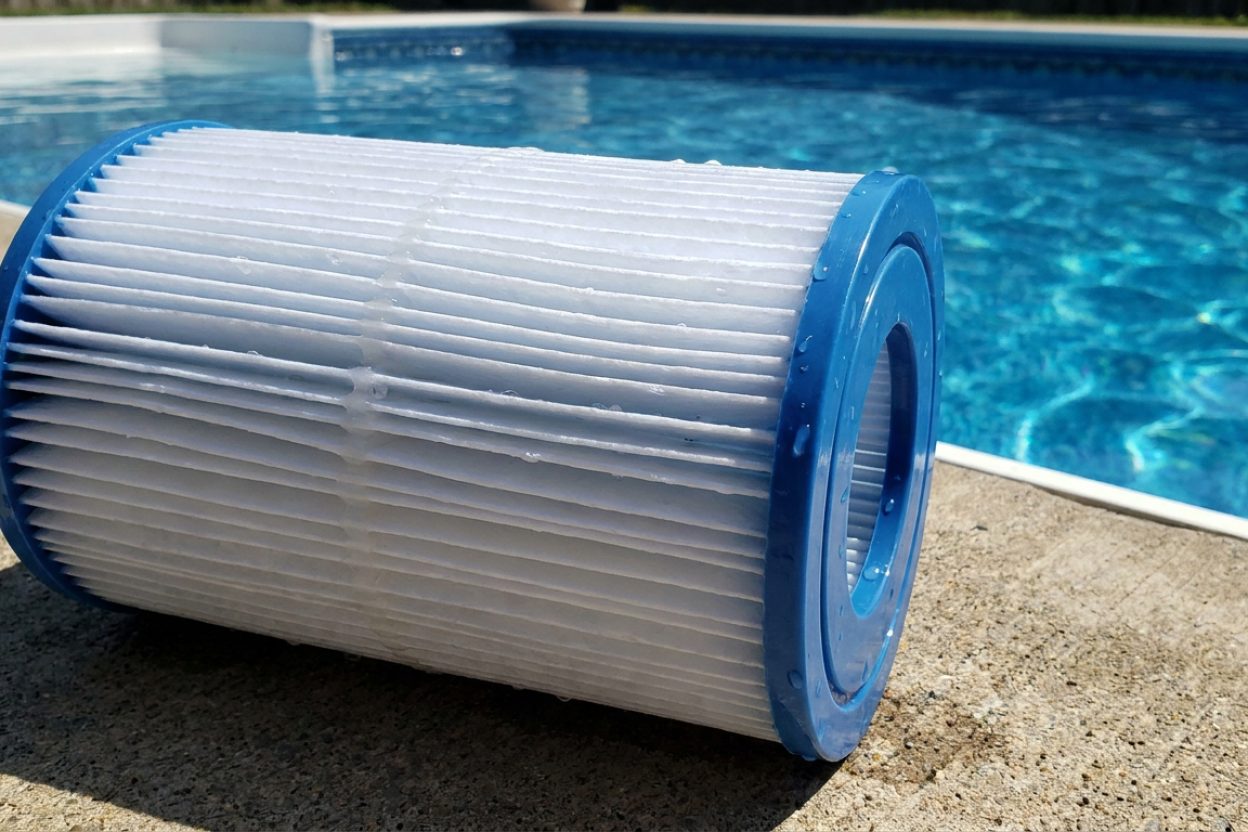
How to Backwash Pool Filter - Complete Step-by-Step Guide

New pool owner - how exactly do I backwash my filter?
Read full question
Apparently my pool filter started shooting dirty water back into the pool during what I thought was a normal backwash cycle yesterday.
The pool store told me I need to backwash my filter regularly, but I'm honestly not sure what that means or how to do it properly.
I see there's a multiport valve on my filter system with different settings like BACKWASH, RINSE, and FILTER, but I don't want to mess anything up by doing it wrong. Can someone walk me through the exact steps? Like do I turn the pump off first, and how long am I supposed to run it in each mode?
Quick Answer
To backwash a pool filter, turn off the pump, set the multiport valve to BACKWASH, turn the pump back on for 2-3 minutes until water runs clear, then switch to RINSE for 30 seconds before returning to FILTER mode.
Quick Solution
Despite what you've heard, backwashing your pool filter more often doesn't make your pool cleaner—it actually wastes water and can damage your filtration system. Turn off your pump, rotate the multiport valve to BACKWASH, run the pump for 2-3 minutes until the sight glass shows clear water, then switch to RINSE for 30 seconds before returning to FILTER mode.
Complete Backwashing Process
Step 1: Turn Off the Pool Pump
Critical safety step: Always turn off your pool pump completely before changing the multiport valve position. Moving the valve while the pump is running can damage the valve's internal spider gasket and create costly repairs. Wait for the pump to come to a complete stop before proceeding.
Step 2: Set Valve to Backwash Position
Rotate your multiport valve handle to the BACKWASH position. You'll feel it click into place. The valve should move easily - if it's difficult to turn, you may need to lubricate the valve stem or replace worn components. Make sure the handle is fully aligned with the BACKWASH label.
Step 3: Start the Pump and Monitor
Turn your pump back on and immediately check the backwash sight glass or observe water flowing from your backwash line. Initially, the water will be dirty and cloudy as trapped debris flows out. Continue running for 2-3 minutes or until the water runs completely clear. For heavily soiled filters, this may take up to 5 minutes.
Step 4: Rinse the Filter
Turn off the pump again and switch the valve to RINSE. This crucial step settles the filter media back into proper position. Turn the pump on for 30-45 seconds until water runs clear from the sight glass. Skipping this step can result in cloudy water when you return to normal operation.
Step 5: Return to Normal Operation
Turn off the pump one final time and return the valve to FILTER position. Restart your pump and check that your system is operating normally. Monitor your pressure gauge - it should read 8-10 PSI lower than before backwashing, indicating successful cleaning.
When to Backwash Your Filter
The best indicator for backwashing is your pressure gauge reading. When the pressure rises 8-10 PSI above your clean starting pressure (typically 12-15 PSI for most systems), it's time to backwash. For most pools, this occurs every 2-4 weeks depending on bather load, weather conditions, and surrounding vegetation.
Don't backwash too frequently - slightly dirty filter media actually filters more effectively than perfectly clean media. Over-backwashing wastes water and can reduce filtration efficiency.
Filter-Specific Considerations
Sand Filters
Sand filters require the standard backwash process described above. If backwashing doesn't reduce pressure significantly, your sand may be due for replacement (typically every 5-7 years). Consider upgrading to ZeoSand or FilterGlass for improved filtration and longer intervals between backwashing.
DE (Diatomaceous Earth) Filters
DE filters require adding fresh DE powder after backwashing since the process removes all the DE coating. After completing the backwash and rinse cycle, add about 80% of your filter's full-fill amount through the skimmer, since backwashing only strips roughly 70-80% of the DE and leaves the rest on the grids (full fill is roughly 1 pound per 10 square feet of filter area, so add about 0.8 lb per 10 sq ft after a backwash). Use a DE scoop for accurate measurement.
Troubleshooting Common Issues
If water doesn't clear during backwashing after 5 minutes, you may have channeling in your filter media or need to replace the sand/grids. For DE filters, broken grids can cause DE to return to the pool - inspect grids annually and replace damaged ones.
If dirty water shoots back into the pool during a backwash, the multiport handle usually isn't fully seated in the BACKWASH position, the spider gasket is worn and bypassing, or (on a DE filter) a grid is broken. Brief initial cloudiness out the waste line is normal; dirty water coming through the pool returns is not.
If the multiport valve leaks during operation, the spider gasket likely needs replacement. This is a common maintenance item that should be replaced every 2-3 years or when leaking occurs.
Water Conservation Tips
Backwashing uses 200-400 gallons of water per cycle. To minimize waste, stop as soon as the sight glass runs clear. Consider installing a backwash recycling system if you backwash frequently. In drought-prone areas, some pool owners collect backwash water for landscape irrigation, though check local regulations first.
Maintenance Schedule
Keep a log of backwash dates and pressure readings to establish your pool's pattern. Most residential pools need backwashing every 2-3 weeks during swimming season. Commercial pools or those with heavy use may require weekly backwashing. Always backwash before closing your pool for winter and after opening in spring.
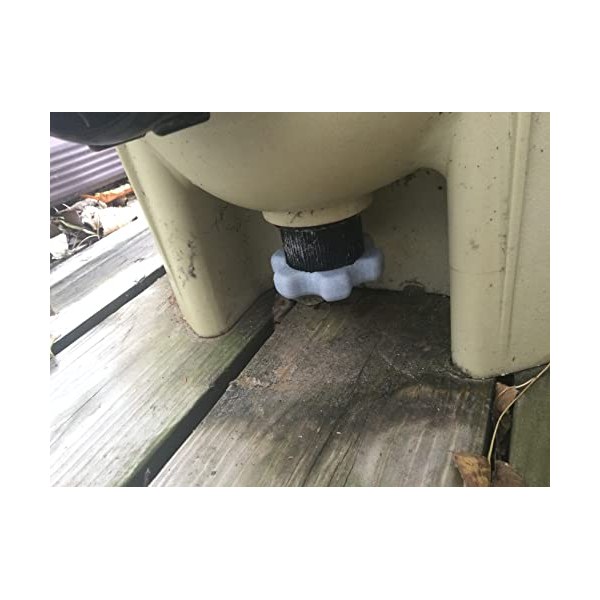 Filter Drain Plug Wrench (Pentair Clean & Clear/FNS)
Grips the drain plug on Pentair Clean & Clear and FNS filters. View on Amazon →
Filter Drain Plug Wrench (Pentair Clean & Clear/FNS)
Grips the drain plug on Pentair Clean & Clear and FNS filters. View on Amazon →
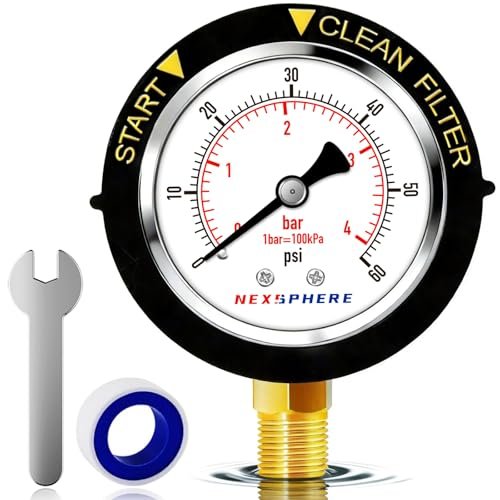 NexSphere Pool Filter Pressure Gauge, 0–60 PSI, 2 in Dial
Replacement back-mount gauge so you can read filter pressure and know when to backwash. View on Amazon →
NexSphere Pool Filter Pressure Gauge, 0–60 PSI, 2 in Dial
Replacement back-mount gauge so you can read filter pressure and know when to backwash. View on Amazon →
Still need help? Ask a Pool & Spa Expert AD
Get a personalized answer from PoolGuy810 — 30 years owning a pool and spa repair company. Describe your issue and get step-by-step help.
Related Pool Guides
Need More Help?
Try our free pool calculators and tools to help diagnose and fix your pool problems.
Browse Pool ToolsSLAM calculator, pH calculator, salt dosing & more