
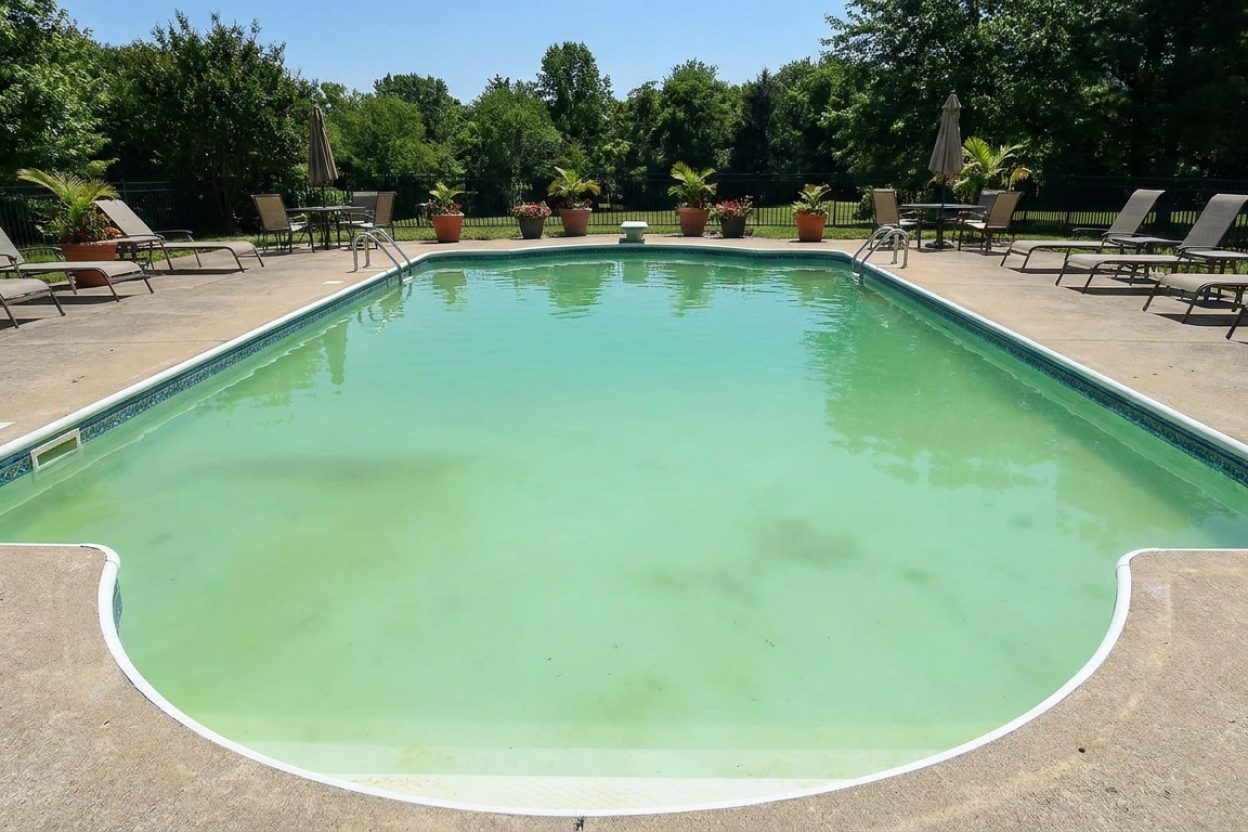
Does Cloudy Pool Water Mean Algae? Diagnosis Guide

Is my cloudy pool water safe for kids? Could it be algae?
Read full question
Walked out to my 20,000 gallon inground pool this morning and the crystal clear water from three days ago is now completely cloudy. They've been asking to use the pool, but I'm worried this cloudiness might mean we have an algae problem that could make them sick.
I'm not sure what's causing the cloudiness - could it be algae starting to grow, or might there be other reasons? How can I tell the difference between algae and other issues that cause cloudy water? I want to make sure I properly diagnose what's wrong before letting the kids back in the pool.
Quick Answer
Cloudy pool water doesn't necessarily mean algae - it can be caused by poor filtration, chemical imbalances, or early algae growth. Proper testing and diagnosis will reveal the true cause — but keep kids out until the water clears and chlorine and pH are confirmed in range, since you can't see the bottom and sanitizer may be low.
First, Let's Diagnose the Real Cause
Cloudy water doesn't automatically mean algae — the answer isn't as straightforward as you might think. Before jumping to conclusions and adding expensive algaecides, let's systematically diagnose what's really causing your cloudy water.
Is cloudy water safe for the kids? Keep children out until it clears and your chlorine and pH test in range. Two reasons: cloudiness can mean the sanitizer isn't keeping up with germs, and — more importantly — if you can't see the bottom you can't spot a swimmer in distress, which is a genuine drowning hazard.
The key distinction is this: cloudy water without a green tint is rarely caused by algae alone. True algae blooms typically produce a greenish color along with cloudiness. If your water is cloudy but still appears blue or clear in color, you're likely dealing with filtration issues, chemical imbalances, or microscopic particles suspended in the water.
Visual Diagnosis: What Color Is Your Water?
Start by examining your pool water carefully in natural daylight:
- Cloudy but blue/clear: Poor filtration, high pH, low sanitizer, or particle contamination
- Cloudy with green tint: Early algae growth combined with other issues
- Milky white/gray: High pH, calcium precipitation, or dead algae particles
- Yellow/brown cloudiness: Metal oxidation (iron, copper, or manganese)
Chemical Testing: The Critical First Step
Before adding any chemicals, test your water using a reliable test kit like the Taylor K-2006C. You need accurate readings for:
- Free Chlorine (FCFree Chlorine — The chlorine actively sanitizing your water right now. This is the number you keep an eye on. how much you need →): Should match your CYACyanuric Acid (stabilizer) — Sunscreen for your chlorine — it keeps sunlight from burning it off. The catch: the more you have, the more chlorine you need to keep. learn more → level according to the FC/CYAFC/CYA chart — The chart that sets your chlorine target from your stabilizer (CYA) level — the two go together. see the chart → chart
- pH: Target 7.4-7.6 for optimal clarity
- Total Alkalinity (TATotal Alkalinity — The buffer that keeps your pH from bouncing around. Get this in range and pH gets a lot easier to manage. learn more →): 80-120 ppm for regular pools, 60-80 for salt water generators
- Cyanuric Acid (CYA): 30-50 ppm for regular pools, 60-80 for SWGSalt Water Generator — The "salt cell" that makes chlorine from the salt in a saltwater pool. Same chlorine — it just makes its own. pool terms →
- Calcium Hardness: 250-350 ppm for plaster pools
Test at the deep end, away from returns, and record your results. Retest after 4-6 hours if you make chemical adjustments.
Common Non-Algae Causes of Cloudy Water
Poor Filtration (Most Common)
Your filter system should turn over the entire pool volume at least twice daily. Check your filter pressure - if it's 8-10 psi above the clean starting pressure, it needs cleaning or backwashing. A dirty or inadequate filter simply cannot remove the microscopic particles that cause cloudiness.
High pH Levels
When pH rises above 7.8, chlorine becomes significantly less effective, and calcium can precipitate out of solution, creating a milky appearance. Use muriatic acid to lower pH gradually - dosage varies based on current pH and alkalinity levels (see manufacturer specifications for your specific situation).
Insufficient Sanitizer Levels
Low chlorine allows organic contaminants to build up, creating cloudiness even without visible algae growth. Your FC should match your CYA level according to TFP (Trouble Free Pool) standards - typically 3-4 ppm FC with 30-40 ppm CYA.
When Cloudiness IS Algae-Related
If your water shows any green tinting along with cloudiness, you're dealing with early-stage algae growth. This requires immediate SLAMShock Level And Maintain — raise free chlorine to a target based on your CYA and hold it there until the algae is gone. It's a process, not a one-time dose. the SLAM walkthrough → (Shock Level And Maintain) treatment:
- Calculate your shock level based on current CYA using the FC/CYA chart
- Add liquid chlorine (sodium hypochlorite) for the SLAM - it avoids piling on calcium across the many doses a green pool needs (cal-hypo shock is fine for routine shocking, just not ideal for a full SLAM)
- Maintain shock level FC continuously until combined chlorine (CCCombined Chlorine — "Used-up" chlorine left over from doing its job. Above about 0.5 ppm is the classic sign water needs a shock. learn more →) is 0.5 ppm or less and you pass the Overnight Chlorine Loss Test (OCLT)
- Run your filter 24/7 during SLAM process
- Brush pool walls and floor twice daily
The amount of liquid chlorine needed depends on your current FC level and target shock level based on your CYA - calculate using the FC/CYA chart.
Step-by-Step Troubleshooting Solution
- Test water chemistry first - use a reliable test kit (not strips), and don't add any chemicals until you have your readings
- Clean your filter thoroughly - Backwash sand filters, rinse cartridge filters, or clean DE filter grids
- Adjust pH first - Get it to 7.4-7.6 using muriatic acid if needed
- Restore proper FC levels - Add liquid chlorine to match your CYA requirements
- Run filtration continuously - 24 hours a day until water clears (may take several days)
- Retest after 4-6 hours - Verify chemical levels are holding stable
- Monitor overnight chlorine loss - More than 1 ppm loss indicates organic load or algae
Prevention: Keeping Water Crystal Clear
Maintain consistent chemical levels, clean your filter regularly, and ensure adequate circulation. Most cloudy water issues stem from neglecting one of these basics rather than algae growth.
Safety Warning: Always add chemicals to water, never water to chemicals. Use proper ventilation when handling muriatic acid, and never mix different chemical products.
For the full breakdown of safe chlorine levels by CYA level, see our pool water chemistry guide.
 Taylor K-2006C Complete FAS-DPD Pool & Spa Test Kit
The FAS-DPD kit pool pros trust — reads chlorine accurately even at shock/SLAM levels, plus pH, alkalinity, calcium hardness and CYA. View on Amazon →
Taylor K-2006C Complete FAS-DPD Pool & Spa Test Kit
The FAS-DPD kit pool pros trust — reads chlorine accurately even at shock/SLAM levels, plus pH, alkalinity, calcium hardness and CYA. View on Amazon →
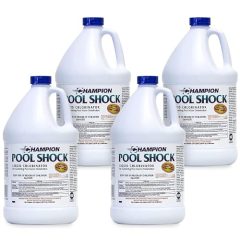 Liquid Chlorine / Sodium Hypochlorite (12.5%)
Everyday sanitizer — the B in BBB View on Amazon →
Liquid Chlorine / Sodium Hypochlorite (12.5%)
Everyday sanitizer — the B in BBB View on Amazon →
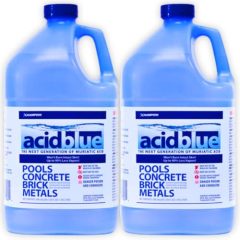 Acid Blue - Low Fume Muriatic Acid for Swimming Pools & Spas - Lower's pH, Reduces Alkalinity - 2 Gallon
View on Amazon →
Acid Blue - Low Fume Muriatic Acid for Swimming Pools & Spas - Lower's pH, Reduces Alkalinity - 2 Gallon
View on Amazon →
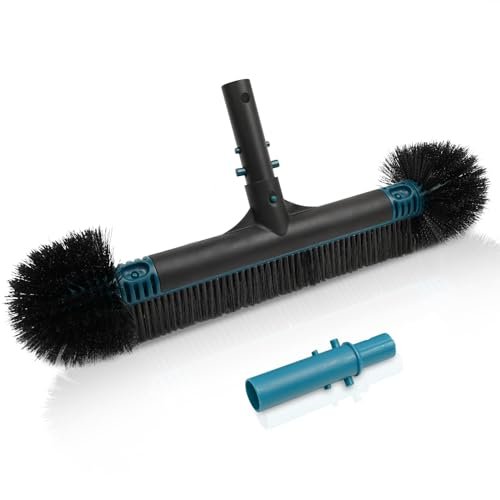 Poolvio 20" 2-in-1 Pool Brush Head (Walls & Floor)
Sturdy 20-inch brush head that clips onto any standard telescopic pole. View on Amazon →
Poolvio 20" 2-in-1 Pool Brush Head (Walls & Floor)
Sturdy 20-inch brush head that clips onto any standard telescopic pole. View on Amazon →
Still need help? Ask a Pool & Spa Expert AD
Get a personalized answer from PoolGuy810 — 30 years owning a pool and spa repair company. Describe your issue and get step-by-step help.
Related Pool Guides
Need More Help?
Try our free pool calculators and tools to help diagnose and fix your pool problems.
Browse Pool ToolsSLAM calculator, pH calculator, salt dosing & more